Customize Footer Section
Steps
From your Shopify admin, go to Online Store > Themes
- Find the theme that you want to edit and click Customize
- From the top bar drop-down menu, Select Home Page
- Select Footer Section
Now you will show Footer Setting theme options:
- Logo Image / Logo Size / Logo type
- Add Contents
- Logo: show logo at footer
- Menu items: show
Note: All block contents will show at 1 row only, Please set total block contents width options equal to 12.
Our standard grid has 12 columns. It's mean 12 columns ( grids) equal to the entire page width.
So a 6 grid column would be 50% of the containing blocks width. An 8 would be 3/4th (75%) width.
When you select auto, it's will device as equal
Eg.
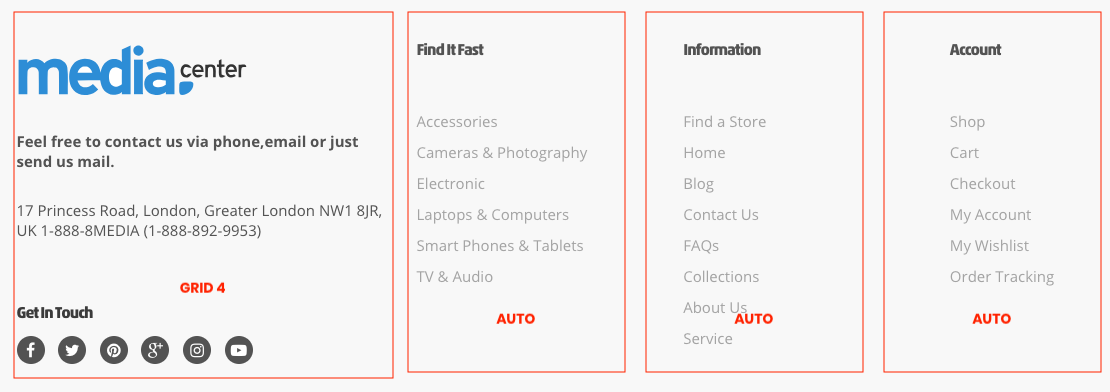
- Logo - 4
- Menu item - auto
- Menu item - auto
- Menu item - auto
It's mean that each Menu item will has width equal to 8/3