Think of theme settings like backbone of a theme.
From your Shopify admin, go to Online Store > Themes. Find the theme that you want to edit and click Customize > Theme settings
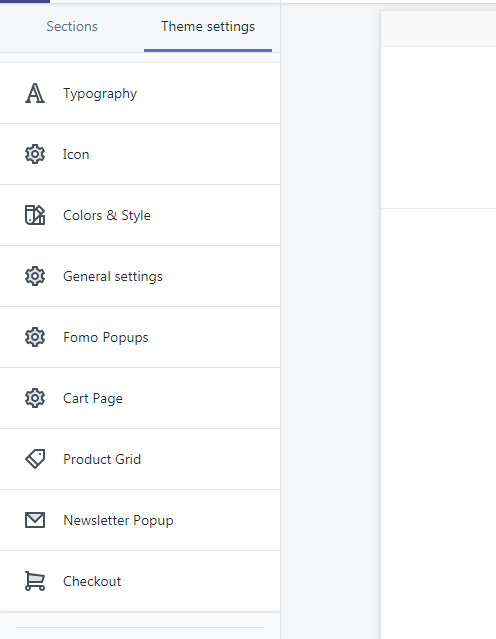
1. Typography
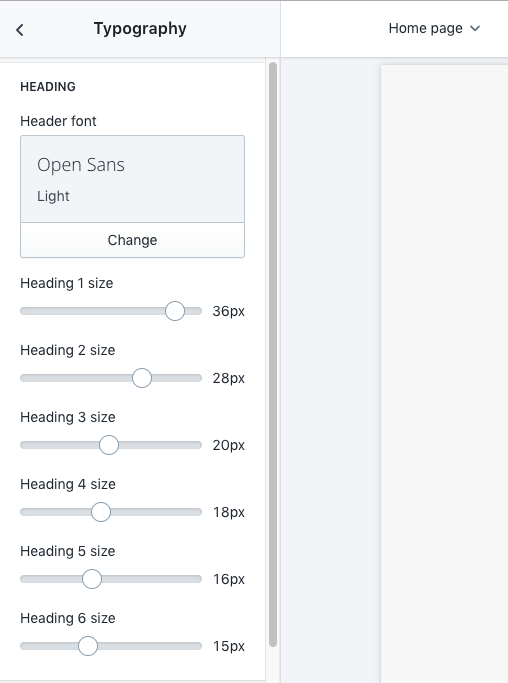 At Typography, you can customize:
- Heading Font.
- Body Font
You can add a selection of premium fonts to your theme by using Shopify's font library.
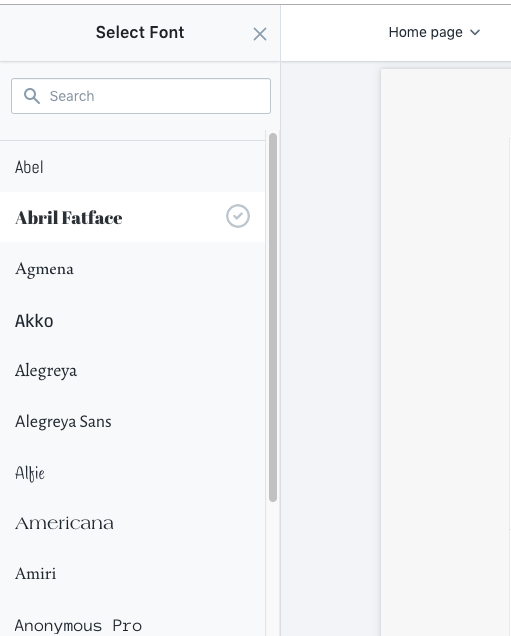 Shopify's font library is a collection of fonts that includes system fonts, a selection of Google fonts, and licensed fonts from Monotype. These fonts are free to use on Shopify online stores, and are provided in both WOFFand WOFF2formats.
2. Icon
At Icons, you can customize icons display:
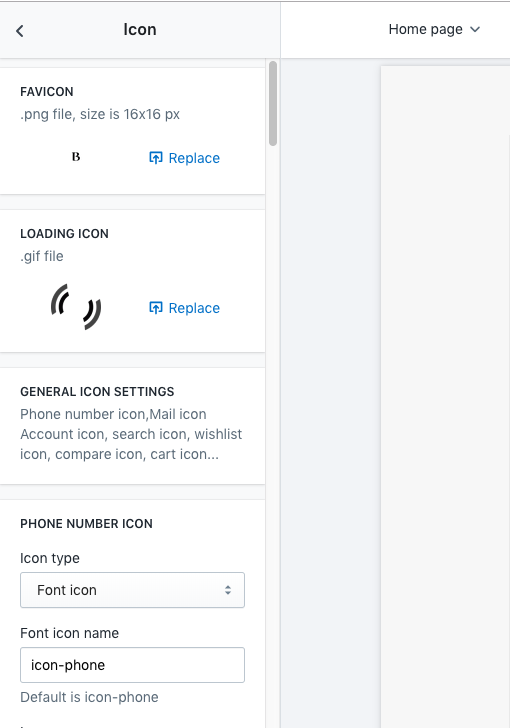
- Favicon.
- Loading icon
- General icon
The theme use arenafont to display icon by CSS class. You may follow instruction to know how to use it.
Read more detail about arenafont here
3. Colors & Style
At Colors & Style, you can customize:
- Website Width Mode.
- Background body page.
- Breadcrumb.
- Body color.
- Navigation color.
- Footer color.
- Buttons color.
4. General Settings
At Settings Extended you can customize extended function that use for theme:
- Lazyload: Enable Lazyload Function. It's not apply for Homepage Sections
- Disable Ajax Cart: Disable ajax cart function.
- Enable Search Function
- Enable Wishlist
- Enable Compare
- Quick View Product
- Back to Top button
- EU COOKIE POLICY
5. FOMO (Fear Of Missing Out) Popups
At FOMO Popup, you can customize:
Sales Notification Popups
Visitor Count Popups
6. Cart Page
At Cart Page, you can customize:
Enable Shopping Cart
Cart Type on Desktop: choose to display it either as cart drawer or dropdown
Multiple Currency: choose whether to show multiple currency.
7. Product Grid
It's will change display for product grid layout in Homepage & Collection (Product Grid).

- Hover Effect
- Image Balance: Use in case your store dont have many product's image width/height ratio
- PRODUCT COLOR AND SIZE
- SALE LABEL
- NEW LABEL
- ADD TO CART REDIRECT
8. Popup Newsletter
- Popup image
- Mailing Form Action
9. Checkout (default Shopify settings)
It's use Shopify default Settings